Sitecom WL-368 Bedienungsanleitung
Stöbern Sie online oder laden Sie Bedienungsanleitung nach Router Sitecom WL-368 herunter. Sitecom Wireless Gigabit Router 300N Benutzerhandbuch
- Seite / 63
- Inhaltsverzeichnis
- LESEZEICHEN

- (802.11bgn) 1
- User Manual 2
- TABLE OF CONTENTS 2
- Introduction 3
- 1 Key Features 4
- 2 Package Contents 5
- 3 Product Layout 6
- Backlabel 7
- 5 WL-351/368 Placement 8
- 6 Setup LAN, WAN 9
- 7 PC Network Adapter setup 10
- • Select the [General] tab 11
- Windows Vista 12
- 8 Bring up the WL-351/368 14
- Initial Setup WL-351/368 14
- 4. Click OK 15
- LAN settings 16
- Device Status 18
- Internet Status 19
- DHCP Client Status 20
- WL-351/368 Log 21
- WL-351/368 Statistics 22
- Configuration Wizard 23
- Wireless Settings 25
- Basic Settings 26
- Advanced Settings 27
- Security 29
- Enable 802.1x Auth 30
- WPA Pre-shared Key 32
- WPA-Radius 32
- Firewall Settings 36
- Denial of Service (DoS) 38
- URL block 41
- Advanced Settings 42
- Port Forwarding 43
- Virtual Server 45
- Special Applications 47
- TOOLBOX Settings 53
- Time Zone 54
- Remote Management 55
- Firmware Upgrade 56
- Backup Settings 57
- Availability of source code 60
- No Warranty 60
- Preamble 60
- MODIFICATION 61
- NO WARRANTY 63
- END OF TERMS AND CONDITIONS 63
Inhaltsverzeichnis
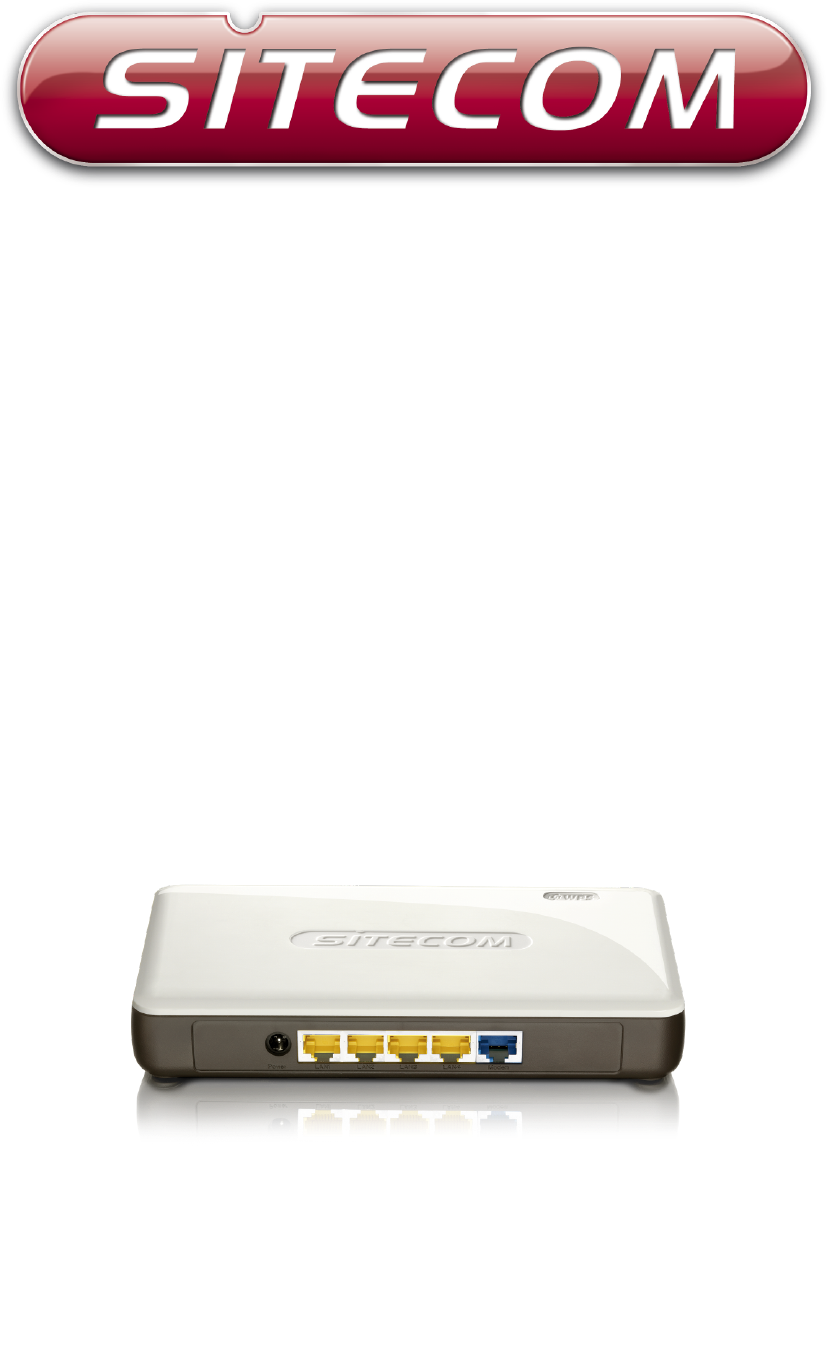
WL-351Wireless Gigabit Router 300N X3WL-368Wireless Gigabit Router 300N X2(802.11bgn)
7 PC Network Adapter setupWindows XP• Enter [Start Menu] select [Control panel] select [Network].• Select [Local Area Connection]) icon=>select
• Select [Internet Protocol (TCP/IP)] =>Click [Properties]. • Select the [General] tab.a. The WL-351/368 supports [DHCP] function, please select bo
Windows Vista• Enter [Start Menu] select [Control panel] select [View network status and tasks] -> select [Manage network connections].• Select
• Select [Internet Protocol Version 4 (TCP/IPv4)] =>Click [Properties]. • Select the [General] tab.The WL-351/368 supports [DHCP] function,
8 Bring up the WL-351/368Connect the supplied power-adapter to the power inlet port and connect it to a wall outlet. The WL-351/368 automati
3. Type user name and password (default is admin/admin).4. Click OK.5. You will see the home page of the WL-351/368.The System status section allows y
LAN settingsThe LAN tab gives you the opportunity to change the IP settings of the WL-351/368.Click <Apply> at the bottom of this screen to save
Lease Time Forever. In the Lease Time setting you can specify the time period that the DHCP lends an IP address to your LAN clients. The DHCP will cha
Device StatusView the Broadband router’s current configuration settings. Device Status displays the configuration settings you
Internet StatusThis page displays whether the WAN port is connected to a Cable/DSL connection. It also displays the router’s WAN
User ManualTABLE OF CONTENTS...1...
DHCP Client StatusDHCP This page shows all DHCP clients (LAN PCs) currently connected to your network. The table shows the assigned IP address, MAC a
WL-351/368 LogView the operation log of the WL-351/368. This page shows the current system log of the Broadband router. It displa
WL-351/368 StatisticsShows the counters of packets sent and received on WAN, LAN & WLAN.
10 Configuration WizardClick Wizard to configure the router. The Setup wizard will now be displayed; check that the modem is connected and click Next
Click APPLY to complete the configuration.
11 Wireless SettingsYou can set parameters that are used for the wireless stations to connect to this router. The parameters include Mode, ESSID, Cha
Basic SettingsMode Allows you to set AP or WDS mode.Band Allows you to set the AP fixed at 802.11b or 802.11g mode. You can also select B+G mode to a
Advanced SettingsThis tab allows you to set the advanced wireless options. The options included are Authentication Type, Fragment Threshold,
Beacon Interval is the interval of time that this wireless router broadcasts a beacon. A Beacon is used to synchronize the wireless network. Data Rate
SecurityThis Access Point provides complete wireless LAN security functions, included are WEP, IEEE 802.11x, IEEE 802.11x with WEP, WPA with pre-share
IntroductionCongratulations on your purchase of the WL-351/368 Wireless Gigabit Router 300N. The WL-351/368 is compliant with 802.11n and up to 6 tim
DisableWhen you choose to disable encryption, it is very insecure to operate the WL-351/368.Enable 802.1x AuthIEEE 802.1x is an authentication
WEPWhen you select 64-bit or 128-bit WEP key, you have to enter WEP keys to encrypt data. You can generate the key by yourself and ente
WPA Pre-shared KeyWi-Fi Protected Access (WPA) is an advanced security standard. You can use a pre-shared key to authenticate wireless stati
ACLThis wireless router supports MAC Address Control, which prevents unauthorized clients from accessing your wireless network.Enable
WPSWi-Fi Protected Setup (WPS) is the simplest way to establish a connection between the wireless clients and the wireless router. You don’t have to
WPS Current Status If the wireless security (encryption) function of this wireless router is properly set, you’ll see a ‘Co
12 Firewall SettingsThe Broadband router provides extensive firewall protection by restricting connection parameters, thus limiting t
DMZIf you have a client PC that cannot run an Internet application (e.g. Games) properly from behind the NAT firewall, then you can
Denial of Service (DoS)The Broadband router's firewall can block common hacker attacks, including Denial of Service, Ping of Death, Port Scan and
AccessYou can restrict users from accessing certain Internet applications/services (e.g. Internet websites, email, FTP etc.), Access Contr
1 Key FeaturesFeatures AdvantagesIncredible Data Rate up to 300Mbps*Heavy data payloads such as MPEG video streamingIEEE 802.11n Compliant and backwar
Filter client PC by MAC Check “Enable MAC Filtering” to enable MAC Filtering.Add PC Fill in “Client PC MAC Address” and “
URL blockYou can block access to some Web sites from particular PCs by entering a full URL address or just keywords of the Web site.Enable URL Blockin
13 Advanced SettingsNetwork Address Translation (NAT) allows multiple users at your local site to access the Internet through a single Public IP Add
Port ForwardingPort Forwarding allows you to re-direct a particular range of service port numbers (from the Internet/WAN Port) to
Remove Port Forwarding If you want to remove a Port Forwarding setting from the "Current Port Forwarding Table", select the Port Forwarding
Virtual ServerUse the Virtual Server function when you want different servers/clients in your LAN to handle different ser
Add Virtual Server Fill in the "Private IP", "Private Port", "Type", “Public Port” and "Comment&qu
Special ApplicationsSome applications require multiple connections, such as Internet games, video Conferencing, Internet telephony and
Applications selection. Once you have selected an application, select a location (1-10) in the Copy to selection box and then click
ALGYou can select applications that need “Application Layer Gateway” support.Enable select enable “Application Layer Gateway”, then the router will le
2 Package ContentsOpen the package carefully, and make sure that none of the items listed below are missing. Do not discard th
UPNPWith UPnP, all PCs in you Intranet will discover this router automatically, so you don’t have to configure your PC and it can easily access
QoSQoS can let you classify Internet application traffic by source/destination IP address and port number. You can assign priority for each type of ap
Edit a QoS rule Select the rule you want to edit and click “Edit”, then enter the detail form of the QoS rule. Click “Apply” after editing the form an
14 TOOLBOX SettingsPassword change optionsYou can change the password required to log into the broadband router's system
Time ZoneThe Time Zone allows your router to base its time on the settings configured here, which will affect functions such as Log entries and Firewa
Remote ManagementThe remote management function allows you to designate a host in the Internet the ability to configure
Firmware UpgradeThis page allows you to upgrade the router’s firmware.Firmware Upgrade This tool allows you to upgrade the Broadband router’s system
Backup SettingsThe Backup screen allows you to save (Backup) the router’s current configuration settings. When you save the config
ResetYou can reset the router’s system should any problem exist. The reset function essentially re-boots your router’s system.
DDNSDDNS allows you to map the static domain name to a dynamic IP address. You must get an account, password and your static domain name from the DDNS
3 Product LayoutPort DescriptionPower connector Connect the 12V DC adapter to this portLAN (Yellow) Connect your PC’s or network devices to this portW
Parts of the firmware of the WL-351/368 Wireless Broadband router are subject to the GNU general public license. Appendix A: Licensing Information Thi
you want it, that you can change the software or use pieces of it in new free programs; and that you know you can do these things. To protect your rig
licensees extend to the entire whole, and thus to each and every part regardless of who wrote it. Thus, it is not the intent of this section to claim
software distribution system, which is implemented by public license practices. Many people have made generous contributions to the wide range of soft
BacklabelThe backlabel describes the IP address, login details, SSID, security code and WPS button functionality.Button DescriptionWPS BUTTONPress 2 s
4 Network + System RequirementsTo begin using the WL-351/368, make sure you meet the following as minimum requirements:• PC/Notebook.• Operating Syste
6 Setup LAN, WANWAN connection: LAN connection:
© 2020, manymanuals.de. Alle Rechte vorbehalten. | 0.036 s |
 Manymanuals.com
 Manymanuals.de
 Manymanuals.fr
 Manymanuals.it
 Manymanuals.pl
 Manymanuals.cz
 Manymanuals.es
 Manymanuals-pt.com
Kommentare zu diesen Handbüchern